GTA 6 hidden controls: auto drive, flipping cars and more
The most useful controls GTA 6 does not explain are auto drive, flipping an overturned car and the extra driving buttons. For auto drive, Beebom says to set Auto Drive to Unrestricted in the Gameplay settings (GameTyrant says auto drive already works on roads without it), set a waypoint, switch to the cinematic camera, press R2 (RT) lightly until the prompt appears and hold Circle (B on Xbox). To flip a car, Kotaku says to click the left stick next to it, then hold Square (X on Xbox). Shacknews lists Left and Right on the D-pad for the turn signals. GTA Portable lists controls that at least one written guide confirms, names that guide, and flags viral tricks it could not confirm.
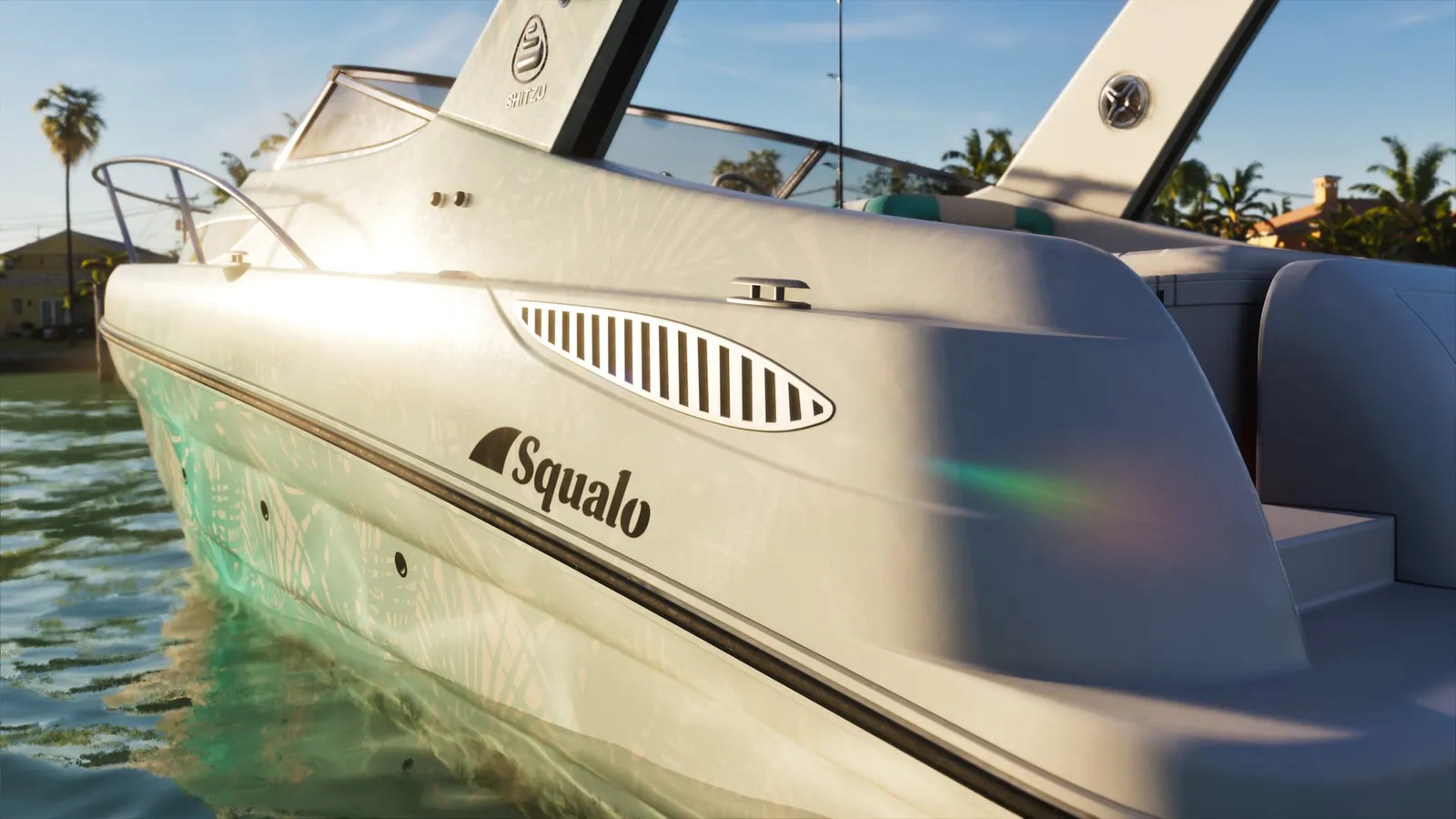
- Auto drive: set a waypoint, switch to the cinematic camera, press R2 or RT lightly, then hold Circle or B. Beebom also sets Auto Drive to Unrestricted first (Beebom, GameTyrant).
- Flip a car: click the left stick beside it, then hold Square or X (Kotaku).
- Driving extras: the D-pad left or right works the turn signals; hold Circle or B while driving to duck behind the wheel (PowerPyx).
- On foot: hold Circle or B to sit on grass or sand or lean on a wall (Kotaku).
- Not confirmed: leaving the engine running with a double tap, cash from ATMs and robbing trains.
On this page
- Which hidden controls are worth knowing?
- How do you auto drive in GTA 6?
- Can your partner drive for you?
- How do you flip a car in GTA 6?
- Which driving controls does the game not explain?
- Which on-foot and aiming controls are hidden?
- How many stash bags fit in a car?
- Which viral tricks could we not confirm?
Which hidden controls are worth knowing?
| What you want | PS5 | Xbox | Source |
|---|---|---|---|
| Auto drive to a waypoint | Waypoint, cinematic camera, light R2, then hold Circle | Waypoint, cinematic camera, light RT, then hold B | Beebom (Inven for the camera step) |
| Flip an overturned car | Click left stick, then hold Square | Click left stick, then hold X | Kotaku |
| Turn signals | Left or Right on the D-pad | Left or Right on the D-pad | Shacknews, Insider Gaming |
| Headlights | Press Circle | Press B | Insider Gaming, Shacknews |
| Duck behind the wheel | Hold Circle | Hold B | PowerPyx, Insider Gaming |
| Vehicle menu | Hold Left on the D-pad | Hold Left on the D-pad | games.gg |
| Sit or lean on foot | Hold Circle | Hold B | Kotaku |
| Switch aiming shoulder | Hold Left on the D-pad | Hold Left on the D-pad | Shacknews, Insider Gaming |
| Study wildlife through binoculars | Hold R1 | Hold RB | PowerPyx |
The buttons on this page follow the default control scheme in the guides we cite. Insider Gaming says the classic scheme moves headlights and ducking to Square, crouch to L3 and melee to Circle, so the sit, lean and car door tips may use different buttons there. If a button does nothing, check which control scheme you use in the Settings menu.
How do you auto drive in GTA 6?
Set Auto Drive to Unrestricted, set a waypoint, switch to the cinematic camera and hold Circle (B on Xbox) when the prompt appears. Beebom's steps:
- Get in a car and mark a destination on the map before you switch cameras.
- Check the setting. Beebom says to set Auto Drive to Unrestricted under Settings, then Gameplay. GameTyrant says auto drive works only on roads by default and Unrestricted lets the car try to leave them.
- Switch to the cinematic camera. Beebom says to hold Down on the D-pad and press Options (Menu on Xbox). Inven describes it more briefly as holding Down on the D-pad.
- Start it. Beebom says to press R2 or RT lightly until the Auto Drive prompt appears, then hold Circle on PS5 or B on Xbox.
- Control the speed with L2 or LT to slow down and R2 or RT to speed up.
- Getting out: Beebom lists holding Down on the D-pad as the way to leave the cinematic camera. GameTyrant says holding Circle or B again also gives you back control. We have not tested either.
Beebom says the AI takes a slower, more scenic route.
Can your partner drive for you?
Beebom says yes, when Jason and Lucia are in the car together. Hold Right on the D-pad and press R1 (RB on Xbox) to switch characters and let the AI drive, per Beebom. As the passenger, hold Right on the D-pad and press Square (X on Xbox) to ask your partner to speed up. Inven confirms that holding Right on the D-pad opens your partner's commands.
A viral video says you can mark a spot on the map, or pick one from a Snapmatic post, and your partner drives there. KeenGamer confirms the map part: set a waypoint, switch to the passenger, and "your AI partner takes the wheel and drives you to the marker". KeenGamer adds that free switching unlocks in Chapter 2 after the Breakfast Run mission, and that some missions stay locked to one character. We found no written guide that confirms the Snapmatic part.
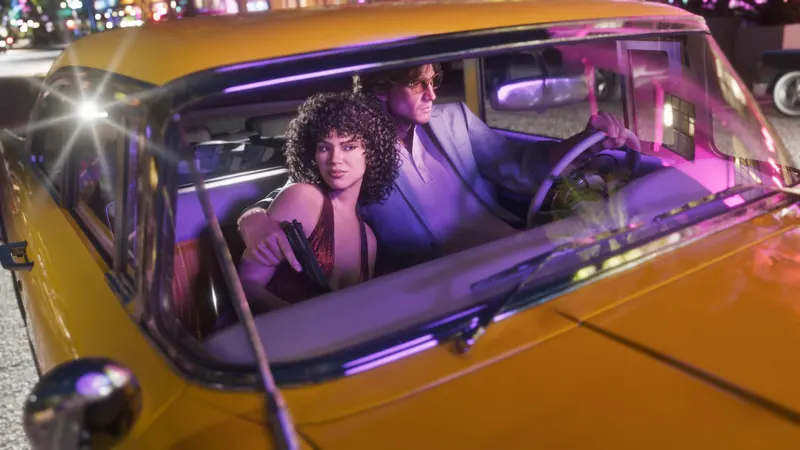
How do you flip a car in GTA 6?
Click the left stick next to the car, then hold Square (X on Xbox). Kotaku describes it:
- Walk up to the side of the overturned car.
- Click the left stick to start pushing.
- Hold Square on PS5 or X on Xbox until the car rolls back onto its wheels.
Kotaku says it can fail if the car is too heavy or you run out of stamina, and that pushing can also move cars that ran out of gas, boats and jet skis. The left-stick click is what starts the push, so do it before you hold Square (X). We found no second written guide that describes the flip in this detail.
Which driving controls does the game not explain?
- Turn signals: press Left or Right on the D-pad, per Shacknews. Insider Gaming lists the same buttons with a menu on the hold. Kotaku's tips list says NPC drivers seemed to react to the signals.
- Headlights and ducking: Insider Gaming lists "Headlights & Duck (Hold)" on Circle (B), and Shacknews lists Circle for the headlights and holding Circle to duck. So a press works the headlights and a hold ducks; PowerPyx says ducking hides you from the police.
- Vehicle menu: hold Left on the D-pad. games.gg says it covers the headlights and the trunk; NoobFeed says the vehicle menu also has the engine, hazard lights and windows.
- Car door as a weapon: pressing Square (X on Xbox) while driving hits people with the car door, per PowerPyx.
- Speed limiter on PS5: All Things How lists an Adaptive Speed Limiter under its DualSense settings, on by default. We found no Xbox equivalent.
- Repairs: you can repair your car at a gas pump for a small fee, per Kotaku. After Just A Scratch you can also call a mechanic; our beginner guide covers why guides disagree on what that call costs.
Our GTA 6 cars guide covers scanning cars with WAiNK, the impound and which cars you can sell.
Which on-foot and aiming controls are hidden?
- Sit or lean: hold Circle (B) on foot. Kotaku says your character sits on grass or sand, or leans against a nearby wall.
- Switch shoulders while aiming: hold Left on the D-pad, per Shacknews and Insider Gaming. While you aim, Shacknews lists holding Right as detonating explosives; outside of aiming, holding Right opens the partner menu.
- Focus mode: click both sticks at once, per Kotaku and Red Bull. Our beginner guide covers when Focus for shooting unlocks.
- Binoculars: PowerPyx says to look at an animal through the binoculars and hold R1 (RB) to add it to your database.
- Scan a car before you steal it: Kotaku and Red Bull say holding Up on the D-pad brings up WAiNK; our cars guide, citing GTABase, says to then hold R1 (RB) on the car. The binoculars use their own hold of R1 (RB) on an animal.
- Taxi fast travel: PowerPyx says to look at the taxi driver with L2 (LT) and hold Triangle (Y) to pay the $100 fast-travel fee.
For the camera, such as first-person views and camera height, see our GTA 6 first person guide. For gun controls like the weapon wheel, see our GTA 6 weapons guide.
How many stash bags fit in a car?
Guides disagree, so do not count on a big number.
| Source | What it says |
|---|---|
| Shacknews | Some vehicles hold 2 bags, some 6; 6 was the most it saw |
| Red Bull | Vans and trucks hold up to 8; motorcycles hold none |
| KeenGamer | Some vehicles hold around 4, in its money glitch guide (no vehicle named) |
A viral video says one van holds 10. No written guide we read confirms that. To pass a bag to your partner, Shacknews says to hold Right on the D-pad. Shacknews says stash bags typically hold narcotics, jewelry and marked bills; our GTA 6 money guide explains how to turn them into money and what you lose if you are Wasted or Busted.
Which viral tricks could we not confirm?
These come from a popular "hidden mechanics" video. We searched written guides for each one before publishing this page.
| Trick | What we found |
|---|---|
| Double-tap Triangle (Y) to get out and leave the engine running | We found no GTA 6 guide that confirms it; the guides we read list Triangle (Y) just as Exit Vehicle |
| Partner drives you to a Snapmatic location | We found no written guide that confirms it; driving to a map waypoint is confirmed by KeenGamer (see the partner section above) |
| Shoot an ATM for cash | We found no written guide that confirms it |
| Rob a passenger train, or find Molotovs and sticky bombs in cargo trains | We found no GTA 6 guide that confirms it |
| A van that holds 10 stash bags | Guides say 6 or 8 at most (see above) |
| Click the right stick while aiming to tighten the reticle | Shacknews lists that button as zoom and throw path |
| Hold Cross (A on Xbox) at a height for flips and cannonball jumps | We found no guide that confirms it; Shacknews lists Cross as jump and climb |
| Free car repair by calling Joey | Not settled: PowerPyx says Joey repairs and delivers your car for free in Chapter 1, while VGC says the call "isn't cheap"; see our beginner guide |
If a patch or a hands-on guide confirms any of these, we will move it up into the tables above.
FAQ
How do you auto drive in GTA 6?
How do you flip a car in GTA 6?
How do you use turn signals in GTA 6?
How do you duck in a car in GTA 6?
Can you leave the engine running in GTA 6?
Is there a first-person mode in GTA 6?
Last verified Nov 23, 2026 · Sources
We check every claim against the sources below and label it Confirmed (official or multiple reliable outlets), Reported (credible coverage, not official) or Rumor. How we verify.
- Beebom: How to auto drive in GTA 6 (Nov 19, 2026)
- Inven Global: 13 beginner tips for GTA 6 (Nov 18, 2026)
- Kotaku: Two cool hidden features GTA 6 doesn't explain, flipping and sitting (Nov 19, 2026)
- Kotaku: 32 spoiler-free tips for GTA 6 (Nov 18, 2026)
- Shacknews: GTA 6 PS5 controls (Nov 18, 2026)
- Shacknews: How stash bags work in GTA 6 (Nov 18, 2026)
- Insider Gaming: GTA 6 control settings (Nov 18, 2026)
- PowerPyx: GTA 6 tips and tricks (Nov 18, 2026)
- Red Bull: GTA 6 beginner's guide (Nov 19, 2026)
- GameTyrant: How to enable unrestricted auto driving in GTA 6 (undated, accessed Nov 23, 2026)
- games.gg: GTA 6 driving guide, controls and handling (Nov 19, 2026)
- PowerPyx: GTA 6 how to summon vehicles (Nov 18, 2026)
- VGC: GTA 6 beginner's guide, 6 tips you need to know before starting (Nov 18, 2026)
- KeenGamer: How to switch between Jason and Lucia in GTA 6 (Nov 18, 2026)
- NoobFeed: 10 hidden GTA 6 features in the first hours (Nov 19, 2026)
- KeenGamer: GTA 6 unlimited money glitch guide (Nov 20, 2026)
- All Things How: GTA 6 on PS5, how to turn off adaptive triggers and change sensitivity (Nov 19, 2026)