How to play GTA 6 with Remote Play
Yes. You can play GTA 6 on a phone or tablet by streaming it from your own PS5 or Xbox Series X|S. Rockstar says GTA VI fully supports Remote Play on PlayStation and Xbox. GTA Portable's steps below: install the game on your console, turn on Remote Play, install the PS Remote Play or Xbox app, sign in and connect.
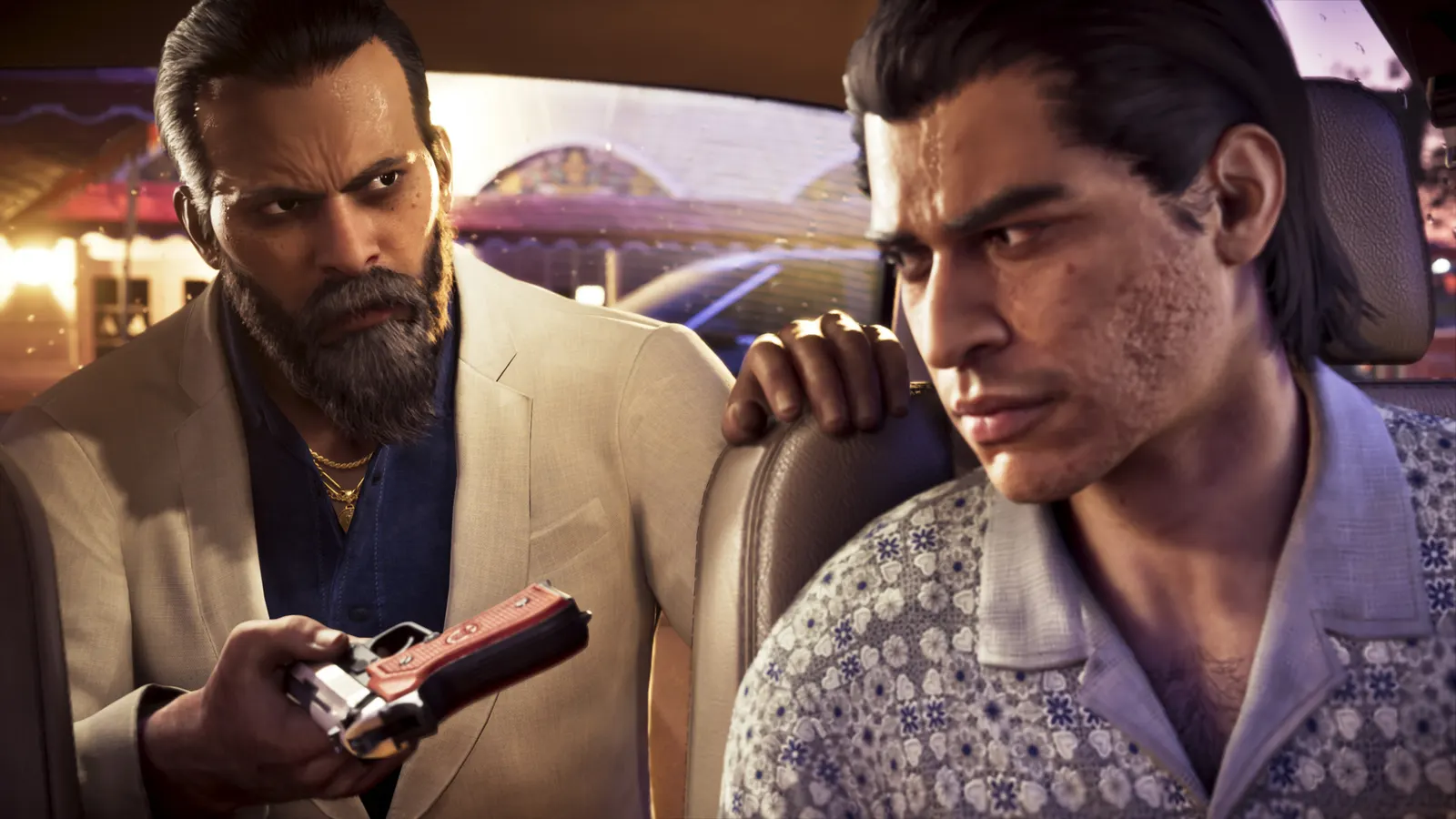
- You need a PS5 or Xbox Series X|S with GTA 6 installed. Remote Play streams your console. It is not a separate version.
- Sony asks for 5 Mbps at minimum and recommends 15 Mbps. Xbox lists 5 GHz Wi-Fi or mobile data at 10 Mbps down.
- Use a controller. DualSense works with PS Remote Play on Android 12 or later and iOS 14.5 or later.
- The game still runs at 30 fps on the console, and streaming adds input delay. We list no latency numbers because we have not tested them.
- Xbox Cloud Gaming is separate: Rockstar lists it for GTA 6 on Xbox consoles only.
On this page
- What is Remote Play, and does GTA 6 support it?
- What do you need for GTA 6 Remote Play?
- How to play GTA 6 on your phone with PS Remote Play
- How to play GTA 6 with Xbox Remote Play
- Can you play GTA 6 on PC through Remote Play?
- Can you play GTA 6 on PS Portal?
- How do you get smooth streaming?
- What to expect from the experience
- What is the difference between Remote Play and Xbox Cloud Gaming?
What is Remote Play, and does GTA 6 support it?
Remote Play streams the picture from your console to another screen and sends your button presses back. GTA 6 still runs on your PS5 or Xbox, so you need to own the game and have it installed there. It is not a phone or PC version of the game.
Rockstar said on November 10, 2026 that GTA VI will fully support Remote Play on PlayStation and Xbox. That statement does not name devices. The requirements below come from Sony's and Microsoft's Remote Play pages.
What do you need for GTA 6 Remote Play?
| PlayStation | Xbox | |
|---|---|---|
| Console | PS5 or PS5 Pro with GTA 6 installed | Xbox Series X or S with GTA 6 installed |
| Console state | On or in rest mode | On or in Instant-On mode |
| App | PS Remote Play | Xbox app |
| Devices | Android 9 or later, iOS 14 or later, Windows PC, Mac, PS Portal | Android 6.0 or later, iOS 15.1 or later, Windows 10 or 11 |
| Internet | At least 5 Mbps; 15 Mbps recommended | 5 GHz Wi-Fi or mobile data, 10 Mbps down |
| Controller | DualSense: Android 12 or later, iOS 14.5 or later | Bluetooth controller or on-screen touch controls |
Sources: Sony's and Xbox's Remote Play pages. Sony notes that mobile data use counts against your data allowance.
How to play GTA 6 on your phone with PS Remote Play
- Set up the PS5. Go to Settings > System > Remote Play and select Enable Remote Play. Then go to Settings > System > Power Saving > Features Available in Rest Mode and turn on Stay Connected to the Internet and Enable Turning on PS5 from Network.
- Update the PS5 to the latest system software, and make sure GTA 6 is installed.
- Install PS Remote Play from Google Play or the App Store and sign in with the same PlayStation account as your PS5.
- Pair a controller over Bluetooth if your phone supports it (DualSense needs Android 12 or later, or iOS 14.5 or later). On-screen controls also work.
- Connect. Open the app, choose your PS5, and launch GTA 6 from the console home screen inside the app.
How to play GTA 6 with Xbox Remote Play
- On the Xbox, open Settings > Devices & connections > Remote features and turn remote features on. Leave the console on or in Instant-On mode, as Xbox's page requires.
- Install the Xbox app on your Android or iOS device and sign in with the same Microsoft account as the console.
- Pair a Bluetooth controller, or use the on-screen touch controls.
- In the app, pick your console and start remote play, then launch GTA 6.
Xbox's own page says to start at xbox.com/remoteplay, and it offers a Remote Play setup test and troubleshooting guide. Menu names can change with console updates, and the menu path above comes from a Digital Trends how-to, so follow Xbox's setup guide if yours differs.
Can you play GTA 6 on PC through Remote Play?
Unconfirmed, though it should work through Sony's app. There is no native PC version of GTA 6. Sony's Remote Play app exists for Windows and Mac, and Xbox lists Windows 10 and 11. Dexerto notes that Rockstar has not specifically confirmed PC or handheld support for GTA 6 Remote Play. You would still need a PS5 or Xbox at home running the game.
Our PC release date guide covers what is known about a real PC version.
Can you play GTA 6 on PS Portal?
The PS Portal is a handheld that does one thing: Remote Play from a PS5. Rockstar does not name the PS Portal, but GamingBolt reads its Remote Play statement as covering it. Sony's Portal page asks for:
- the same account on the PS5 and the Portal;
- up-to-date PS5 system software;
- the PS5 turned on or in rest mode, with the rest mode settings above;
- a stable Wi-Fi connection, with at least 15 Mbps recommended.
If you plan to play away from home, Sony suggests first checking that the Portal connects while you are near the PS5.
How do you get smooth streaming?
Sony's Portal setup page lists the settings that matter most:
- Cable the console. Connect the PS5 to the router with Ethernet. If it uses Wi-Fi, put the console and the Portal on the same network.
- Use 5 GHz Wi-Fi on the phone or Portal. Sony says to turn off your router's band steering if possible.
- Aim for 15 Mbps or more on PlayStation. Xbox lists 10 Mbps down.
- Pause other heavy traffic on the network, such as downloads and 4K video.
- Public Wi-Fi is a gamble. Sony notes you cannot control its quality.
What to expect from the experience
GTA 6 runs at 30 fps on every console, and Remote Play does not change that. Streaming adds some input delay on top, which we have not measured, so we give no numbers. We expect slow driving and story scenes to be easier to stream than fast gunfights, but we have not tested this. See our performance guide for how each console runs the game.
What is the difference between Remote Play and Xbox Cloud Gaming?
Remote Play streams from your own console. Cloud Gaming streams from Microsoft's servers. Rockstar says GTA 6 is available through Xbox Cloud Gaming on Xbox Series X|S and Xbox One consoles, using Xbox Series S graphics settings. Phones are not listed. That is how Xbox One owners can play GTA 6 without a native version.
You must own the game and have cloud access, through a Game Pass tier's monthly cloud hours or purchased hours. Xbox's GTA VI page says the game itself is not part of Game Pass. Digital Trends reports monthly cloud hours of 5 on Essential, 10 on Premium and 15 on Ultimate. Rockstar's announcement also warns that connection speeds may affect performance in ways that would not impact local play. Xbox's Matthew Ball said on October 7, 2026 that the game "will not be streaming exclusively or to PC", according to GamesRadar.
For phones, Remote Play from your own console is the supported route. See our mobile guide for fake APKs and scams to avoid.
FAQ
Does GTA 6 support Remote Play?
Can I play GTA 6 on PS Portal?
Can you play GTA 6 on any PS5?
Why is GTA 6 not on Xbox One?
Can you buy GTA 6 on PC?
Do I need PS Plus or Game Pass for Remote Play?
Why is GTA 6 laggy on Remote Play?
Can I use Remote Play outside my home?
Last verified Nov 20, 2026 · Sources
We check every claim against the sources below and label it Confirmed (official or multiple reliable outlets), Reported (credible coverage, not official) or Rumor. How we verify.
- Digital Trends: GTA 6 will be playable on Xbox One via Xbox Cloud Gaming (quotes Rockstar's Remote Play statement) (Nov 10, 2026)
- GamesRadar: No, GTA 6 won't be playable on PC via Xbox Cloud Gaming (Oct 7, 2026)
- Dexerto: GTA 6 confirms Xbox Cloud Gaming support, but PC players face a catch (Nov 10, 2026)
- PlayStation: PS Remote Play requirements (accessed Nov 20, 2026)
- PlayStation Support: How to use Remote Play on your PS Portal (accessed Nov 20, 2026)
- Xbox: Remote Play (accessed Nov 20, 2026)
- Digital Trends: How to use remote play on the Xbox Series X and S (accessed Nov 20, 2026)
- GamingBolt: GTA 6 supports Xbox Cloud Gaming, including on Xbox One, and Remote Play (Nov 10, 2026)
- Shacknews: GTA 6 will run at 30 FPS on all consoles (Nov 10, 2026)
- GamesBeat: GTA VI PC release is slated for Q1 2027 (report) (Oct 13, 2026)
- Rockstar Games Support: Grand Theft Auto VI Platforms, Editions, and Versions (Remote Play and Xbox Cloud Gaming) (Nov 18, 2026)
Related guides
 Mobile & Remote PlayGTA 6 mobile: Android, iPhone and APKNo Android or iPhone version exists. Every GTA 6 APK is fake.Read the guide
 PC & PlatformsGTA 6 PC release dateNot announced. A report says Q1 2027; Rockstar has not confirmed it.Read the guide
 PerformanceDoes GTA 6 run at 60 fps?No. 30 fps on all four consoles, PS5 Pro included. No 40 or 60 fps mode.Read the guide