GTA 6 first person: is there a mode, and how the glitch works
GTA 6 has no full first-person mode. The guides we read list first-person views in a few places: standing still and clicking the right stick while you aim, looking through a scope, or taking out your phone in a car, which a Camera setting controls. TechWiser and FandomWire describe a glitch that locks the camera in first person: set the touchpad to Camera, take out your phone in a car, then put it away while you press the camera button again and again. Make a save first: guides say reloading a save or quitting the game are the ways back. GTA Portable flags below where the guides disagree, including the Xbox steps.
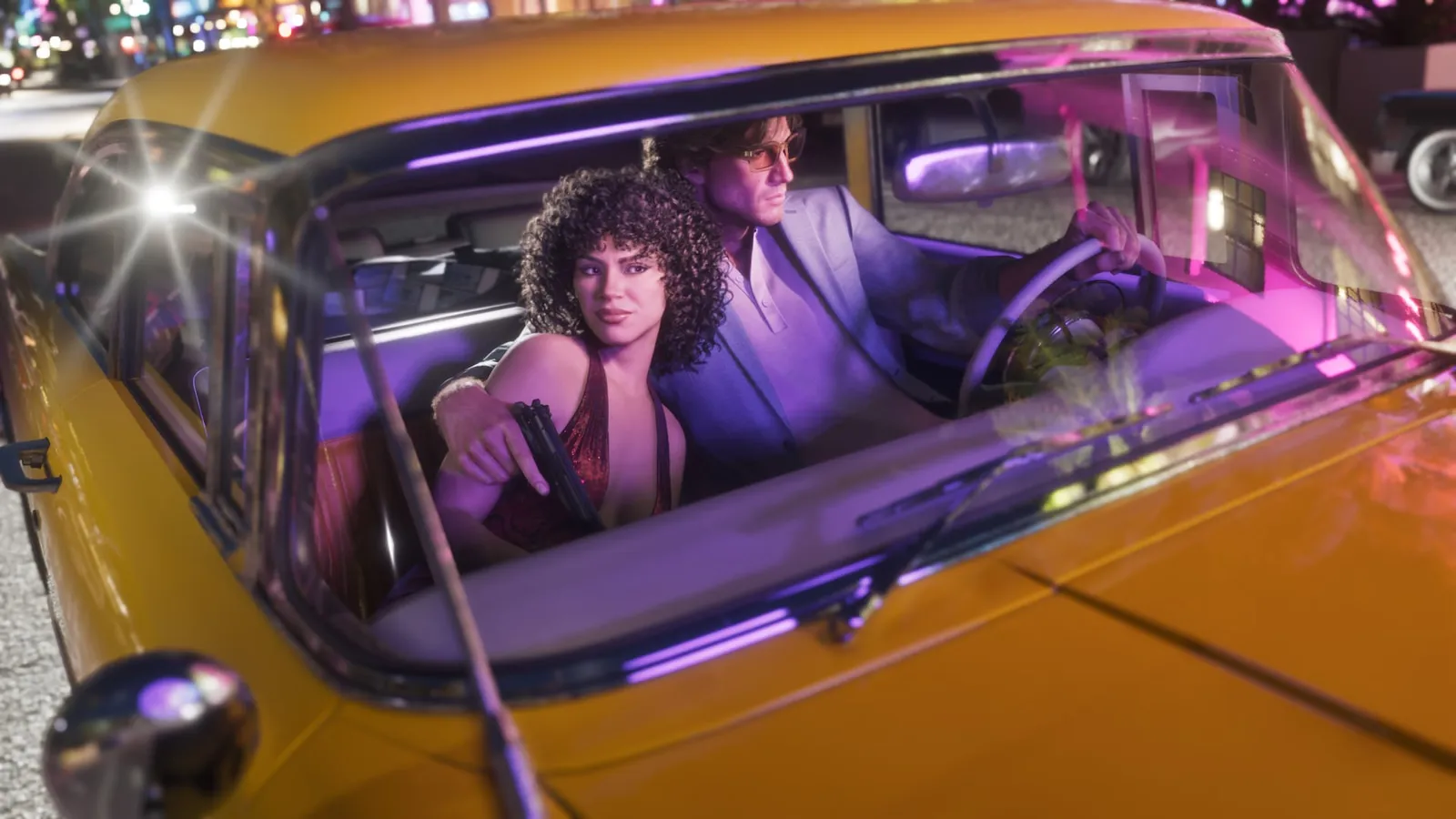
- No official mode: Insider Gaming, VGC, games.gg, KeenGamer, TechWiser and FandomWire all say there is no full first-person mode.
- Official views: aim and click the right stick while standing still, look through a scope, or use your phone in a car (a Camera setting controls that one).
- The glitch: touchpad set to Camera (View button on Xbox, per TechWiser), phone out in a car, then put the phone away while pressing Camera again and again.
- Getting out: reload a save or quit the game. TechWiser says dying does not reset it.
- Patch or ban: we found no reports of either so far.
On this page
Does GTA 6 have a first-person mode?
No. Insider Gaming, VGC, games.gg, KeenGamer, TechWiser and FandomWire all say you cannot switch the whole game to first person the way you could in GTA 5 on newer consoles. Insider Gaming puts it plainly: "You cannot switch to first-person."
This was known before launch. In an interview with YouTuber Davy Jones, Rockstar North's Rob Nelson said GTA 6 would not have a full first-person mode at launch, according to VICE. The Brazilian site Flow Games, in its hands-on preview, says the same about the studio's plans and adds that the team focused on third-person animation. Neither gives an exact quote. VICE adds that you would still see first person when aiming with some weapons.
So there are two things people mean by "first person" in GTA 6: the official views below, which only work while you stand still, aim or have your phone out in a car, and a player-found glitch that keeps the camera there.
Which first-person views can you use without a glitch?
| Situation | PS5 | Xbox | Limit | Sources |
|---|---|---|---|---|
| Standing still | Hold L2, click the right stick | Hold LT, click the right stick | Moving takes you back to third person | PowerPyx, KeenGamer, Engadget, Insider Gaming |
| Looking through a scope | Aim with L2, click the right stick | Aim with LT, click the right stick | Needs an optic on the gun; you cannot walk | KeenGamer, PowerPyx |
| Phone out in a car | Up on the D-pad | Up on the D-pad | Phone blocks part of the windshield (KeenGamer) | PowerPyx, KeenGamer, Engadget |
Standing still. KeenGamer says to hold L2 (LT on Xbox) and click the right stick; VGC says to hold L2, then click both sticks. Per KeenGamer, clicking both sticks without L2 turns on Focus mode instead, which drains your Focus meter. Our beginner guide covers when Focus unlocks.
Scopes. PowerPyx says you can buy optics from the clerk at any gun store; KeenGamer says to fit the optic in the Attachments menu. Our GTA 6 weapons guide covers gun stores and attachments, and notes that guns picked up from enemies are unowned and cannot be modified.
Driving. PowerPyx, KeenGamer and Engadget say taking out your phone while driving gives a first-person view. games.gg disagrees and says driving is third person only. Engadget and Insider Gaming say a camera setting controls whether your phone shows in first person, but neither gives the exact menu path, so check your Camera settings.
How do you do the first-person glitch?
TechWiser and FandomWire describe nearly the same steps; they differ only on the Xbox button setting (see below). TechWiser says it works on PS5 and Xbox Series X|S.
- Make a save outside a mission. You will need it to get out. Our GTA 6 beginner guide explains how to save and when you cannot.
- Change the button. Open Settings and go to the Controller tab (TechWiser says to use the bumpers). Scroll to the bottom and change Touch Pad Button (PS5) or View Button (Xbox) from Map to Camera.
- Get in any car. Both guides start the glitch in a car.
- Take out your phone with Up on the D-pad.
- Put it away and press Camera at once. Close the phone with Circle (PS5) or B (Xbox) and press the touchpad or View button again and again at the same moment.
- Repeat until it sticks. TechWiser says it "might take a few attempts". When it works, the camera locks in first person, and TechWiser says it stays that way after you get out of the car.
| Step | PS5 | Xbox |
|---|---|---|
| Button to set to Camera | Touch Pad Button | View Button |
| Take out the phone | Up on the D-pad | Up on the D-pad |
| Put the phone away | Circle | B |
| Press repeatedly | Touchpad | View |
One step is disputed. FandomWire says only PlayStation players need to change the button setting. TechWiser says Xbox players set the View Button to Camera too. If the glitch does not work on Xbox, change the setting and try again.
FandomWire credits the YouTubers oneboyler and OrangeGuy with showing the trick. It is a glitch, not a feature, so it may stop working after an update.
What happens after the glitch?
TechWiser says the camera locks in first person as you exit the car and stays that way. FandomWire says the result looks "much closer to a proper first-person experience than a camera bug has any business looking", but it does not claim Rockstar hid a full first-person mode in the game. Neither guide says how cutscenes and missions behave, so we have not confirmed that. If you need a car to start the glitch, our GTA 6 cars guide covers how to get one.
How do you get back to third person?
Reload a save or quit the game. FandomWire says the normal camera controls do not take you back to third person. TechWiser says dying does not reset the view either; only loading a save or quitting the game does.
That is why step 1 matters. If you forgot to save, TechWiser says quitting the game also resets the camera, but you lose any progress since your last save.
Will Rockstar patch it or add a real first-person mode?
Nobody knows yet. We found no patch that removes the glitch and no reports of players being banned for it. FandomWire says there is "no guarantee" it keeps working. Rockstar has not announced an official first-person mode.
History is the only hint. games.gg notes that GTA 5 launched without first person and got it in November 2014 with the PS4 and Xbox One versions, and says the PC version followed in 2015. VGC also dates it to the 2014 release. That does not mean GTA 6 will follow. There is no PC version of GTA 6 yet; see our GTA 6 PC release date page.
KeenGamer also checked the cheat codes known so far: none of them unlock first person. Our GTA 6 cheats list has the codes found so far.
How do you change the camera view in GTA 6?
- Camera height: in a vehicle, hold Down on the D-pad to pick a camera height; games.gg counts 3 heights. On foot, set it in the Camera settings, per Engadget and Insider Gaming.
- Cinematic camera: in vehicles, the same menu also offers a cinematic camera, Engadget says, which can make steering harder.
- Follow speed: Engadget says the Camera tab also has follow-speed settings, with separate ones for driving and riding as a passenger.
FAQ
Does GTA 6 have first person?
Can you drive in first person in GTA 6?
Does the first-person glitch work on Xbox?
How do you turn off first person in GTA 6?
Will GTA 6 get a first-person mode?
Can you get banned for the first-person glitch?
Last verified Nov 23, 2026 · Sources
We check every claim against the sources below and label it Confirmed (official or multiple reliable outlets), Reported (credible coverage, not official) or Rumor. How we verify.
- TechWiser: How to play GTA 6 in first-person view, working glitch (Nov 21, 2026)
- FandomWire: GTA 6 first-person glitch (Nov 19, 2026)
- KeenGamer: Can you play GTA 6 in first-person mode? (Nov 19, 2026)
- PowerPyx: GTA 6 first person view (Nov 18, 2026)
- VGC: GTA 6 first-person mode explained (Nov 18, 2026)
- Insider Gaming: How to switch to first person in GTA 6 (Nov 18, 2026)
- Engadget: How to switch camera views in GTA 6 (Nov 19, 2026)
- games.gg: Can you play GTA 6 in first person? (Nov 18, 2026 (updated Nov 19))
- VICE: Will GTA 6 have a first-person mode? (Aug 28, 2026)
- Flow Games: Vimos GTA 6 de perto (preview) (Aug 27, 2026)